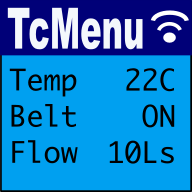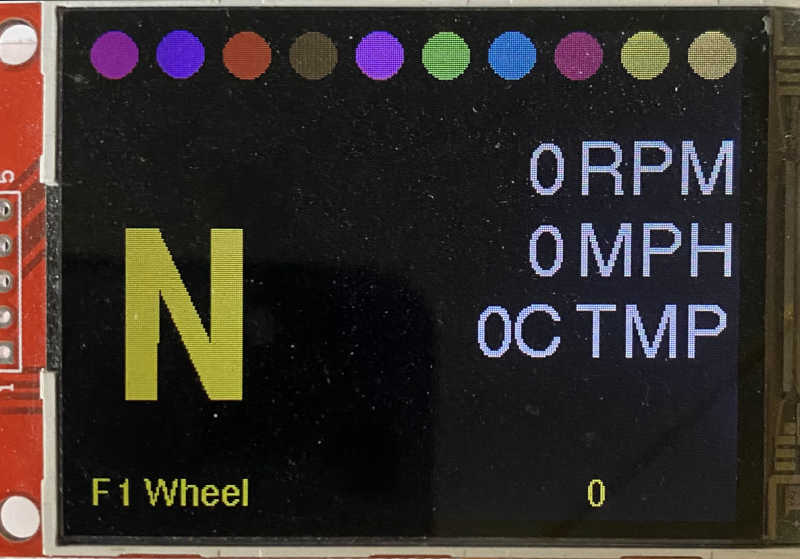
We provide a few extensions to Adafruit_GFX that improve performance by buffering the display and therefore preventing flickering and repeated operations on the same display area.
Canvas support
In addition to the standard Adafruit_GFX library that provides a monochrome canvas, we provide a 2bpp (bit per pixel) and 4bpp canvas class that allows you to draw to a buffer in memory and then update the display with a single call. This can significantly improve performance, especially when drawing complex graphics or updating the display frequently.
In tcMenu, nearly all monochrome displays are completely buffered, there is no need to use an additional canvas.
On color displays where this option is available, flicker is reduced and performance improved by enabling it. There are normally two options: 4bpp/16 color and 2bpp/4 color. The 4bpp buffer is far better if you have available memory, as some rendering options are not possible with 2bpp buffers.
Usually, tcMenu draws one item at a time, so the memory to draw one item completely is all that is needed. For 2bpp four pixels are in each byte, so the display width is divided by 4 then multiplied by the height needed. For 4bpp two pixels are in each byte, so the display width is divided by 2 then multiplied by the height needed.
Examples of canvas memory usage
- Display width: 320 px
- Maximum menu height: 40px
- Total memory needed 4bpp: 320/2 * 40 = 6400 bytes
- Total memory needed 2bpp: 320/4 * 40 = 3200 bytes
Using the canvas
If you're using a tcMenu plugin, it will create the canvas for you based on the parameters you provided during code generation. In this case, your canvas will be in the form of a sub-drawable within your drawable. Read about display rendering with tcmenu
To use the canvas standalone, create the right type of canvas, they themselves also implement Adafruit_GFX, so you can use them directly: The three variants are GFXcanvas1, TcGFXcanvas2 and GFXcanvas4. Each constructor takes the width and height of the canvas in pixels.
As a global variable as an example:
GFXcanvas4 canvas(320, 40);
Then use it just as you would any other Adafruit_GFX object, then to push those pixels into the display we use the cookie cutting functions.
Enablement within tcMenu plugins
If an Adafruit-based plugin supports buffering, then two options will be available:
- Buffer mode, one of None, 2bpp, 4bpp. As we've discussed above.
- Buffer height, the height of the buffer in pixels. This is only available if the buffer mode is not None.
Cookie cutting
Cookie cut functions were extended beyond the original Adafruit_GFX cookie cut functions to support 2/4bpp bitmaps. They work very similarly to the original functions, but support palette bitmaps.
In summary you can take part of an image from the source and push those pixels onto the display. The destination display may not be the same shape as the pixels being pushed, and only part of the source image may be used.
void drawCookieCutBitmap2bpp(
void drawCookieCutBitmap4bpp(
        Adafruit_SPITFT* gfx, int16_t x, int16_t y, const uint8_t *bitmap,
        int16_t w, int16_t h, int16_t totalWidth,
        int16_t xStart, int16_t yStart,
        const color_t* palette);
Parameters:
- gfx: the place to draw to (the actual display),
- x, y: where on the screen to start pushing pixels.
- bitmap: the underlying bitmap data. Use canvas.getBuffer() to get the buffer.
- w, h: the width and height of the source bitmap in pixels.
- totalWidth: the width of the source bitmap in bytes (may be different from w).
- xStart, yStart: the starting position of the bitmap within the source bitmap.
- palette: the palette to use for the bitmap (must be as large as the bit depth).
These may be of interest
- Similar - Dark mode themes for all display sizes.
- Similar - Monochrome themes for rendering menus onto OLED/5110.
- Similar - Color themes for all display sizes.
- Similar - TcMenu - Rendering menus to LCD using LiquidCrystalIO library
- Similar - Using SSD1306 to generate a Uno / low memory multi level OLED menu

Want to let us know about something?
- If this is a library documentation page, raise a PR on the documentation site.
- Open a discussion on the Community channels
- Contact us for problems or improvements on the main site.
Table of contents
Supporting us
We maintain several popular embedded projects and work hard to make them even better. If you're looking for commercial services, please do consider us.
Alternatively, you can buy us a coffee to say thanks.
Sharing links
Learn about TcMenu
We build and maintain an embedded menu designer and framework that works on many platforms.